

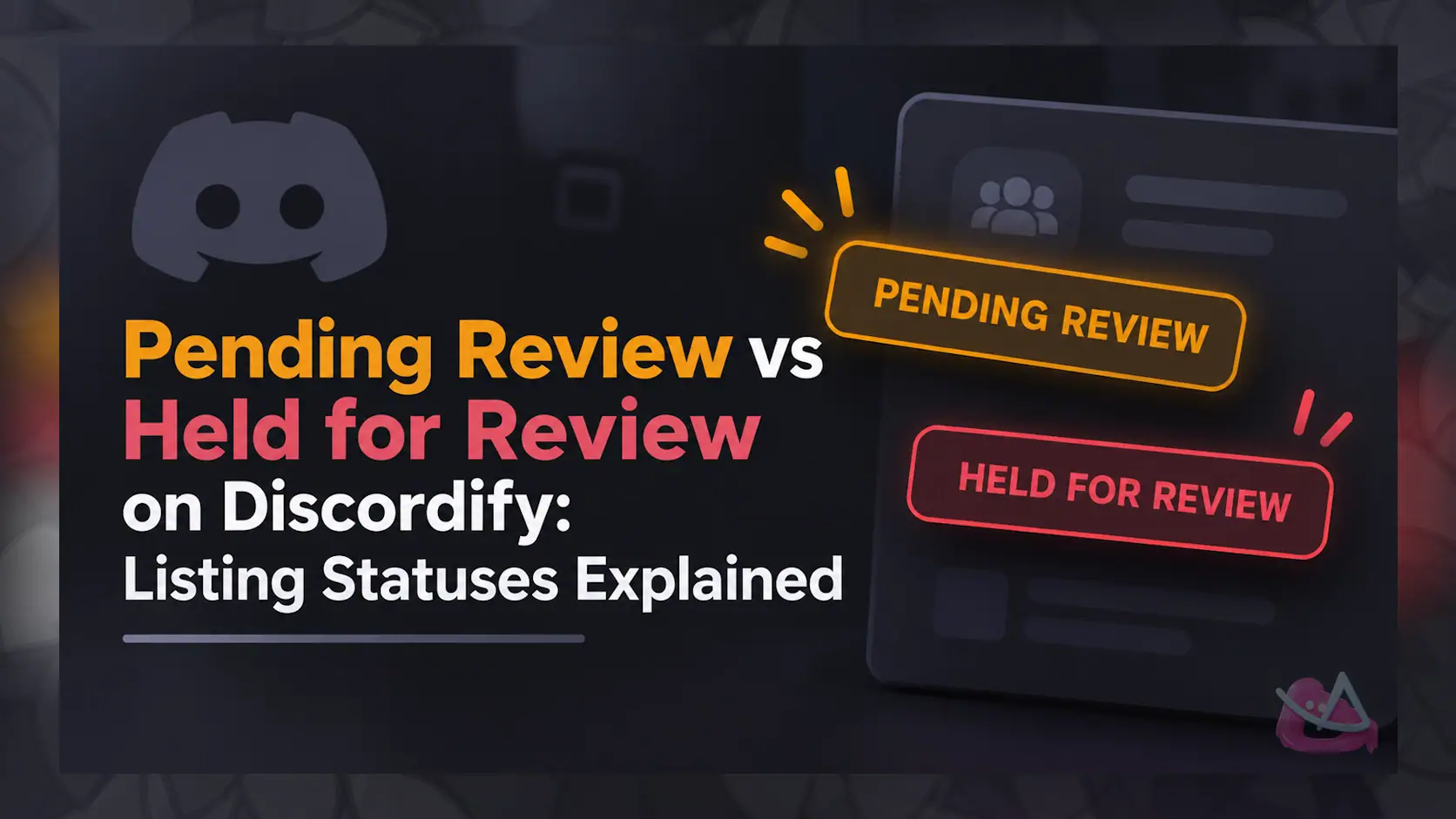
You submitted a server or a bot, the listing is showing a Pending Review or Held for Review badge, and you are not sure whether it is live, hidden, or stuck. Those two badges mean different things, and they behave differently in search.
This guide explains what pending review and held for review mean on Discordify, which of them actually appears in search and tag pages, how those states differ from a denial, and why the review queue exists in the first place.
What "Pending Review" Means on Discordify
Pending review is the default state for every new listing and for edits to an existing one. It means the submission was accepted, saved, and queued for a moderator to look at. Nothing has been flagged. The listing is simply waiting its turn.
Here is the part most owners get wrong: pending does not automatically mean invisible. On a server listing it can still appear in search results and on tag pages while it waits, and the listing page carries a Pending Review badge. On a bot listing, pending stays out of the directory, search, and tag pages until it is approved. Both are saved and attached to your account, and neither is a rejection.
You will see Pending Review as a badge on the listing page. On a server page the public tooltip spells it out: the server has not been reviewed yet, and it can still be indexed in search results. That wording is deliberately calm, because nothing is wrong at that point.
What "Held for Review" Means on Discordify
Held for review means the same moderation queue with a hard stop attached. Something in the submission matched a term that Discordify watches, so the listing is paused for additional checks instead of going straight to a normal review.
The consequence is concrete: a held listing is pulled out of the index. It does not appear in search or on tag pages until a moderator clears it, which is the whole point of the hold.
The important part is what this is not. A hold is not a rejection, and it is not an accusation. Plenty of ordinary servers get held because of an innocent word in a description, a tag that doubles as a slang term, or a website link with an unlucky substring. The system flags a pattern, then a person decides whether the listing is fine.
On a bot listing the badge reads Held for Review, with a note that the listing is temporarily paused for additional moderation checks.
Why some listings are held automatically
Discordify scans several fields of a submission for blacklisted and watched terms, and a single match is enough to route the listing into a hold instead of the normal queue. For a server submission those fields are the server name, the listing slug, the short card description, the full page description, the tags, and more. Image assets are also scanned.
That is a wide net on purpose. Scams, stolen account shops, cheat storefronts, and impersonation tend to reuse the same vocabulary, so pattern matching catches a lot of low-quality submissions before a moderator spends time on them. The cost is that normal communities sometimes get caught in the same filter. When that happens, the hold resolves in review rather than through anything you need to do.
What a hold is usually about
A hold is triggered by a term, not by your member count, your join count, or your plan. Buying Silver or Gold does not skip review, because every listing and every edit is checked the same way. Upgrading changes where an approved listing appears, not whether it gets approved.
Every Discordify Listing Status, Compared
Pending and held are two of five statuses a listing can be in. Seeing all of them side by side makes the difference easier to read than any single definition.
| Status | What it means | In search and tag pages | What to do next |
|---|---|---|---|
Approved | The listing passed review and is live in the directory. | Yes | Share the listing and bump it regularly. |
Pending review | Waiting for a moderator. Nothing was flagged. | Servers: yes. Bots: not yet. | Wait. It usually clears within 24 hours. |
Held for review | Extra checks are needed before it can be approved. | No, not until it is cleared | Wait, then fix anything a reviewer note points to. |
Denied | A moderator rejected the listing. A note may explain why. | No | Read the note, fix the listing, save again to send it back for review. |
Banned | Removed for a serious or repeated violation. | No | Management actions are locked. Contact support if you believe it is a mistake. |
The row worth reading twice is held for review. It is the only status that takes a listing out of the index while it is still being considered, and it is also the one owners most often mistake for a denial. Pending is a queue position. Held is a pause. Approved is simply the absence of either badge, which is why a live listing usually shows no status pill at all.
What Actually Happens Between Submitting and Going Live
The path from submit to published is the same for servers and bots, with a few checks that only exist for one type. Here is the full sequence.
For a server, that means logging in, picking a server you own, and confirming ownership with the Discordify bot before filling in the invite, description, tags, and banner. For a bot, the bot ID is validated and you confirm that you manage it.
The submission is scanned for blacklisted and watched terms across the name, slug, descriptions, tags, and more. Media and content flags are checked in the same pass. A term match moves the listing to held for review instead of the normal queue.
A person reads the listing against the guidelines: is it real, is it active, does the description match what a member actually finds, and is anything misleading, unsafe, or low quality. Reviewers can ask for proof that you control what you listed.
An approved listing carries no warning badge and stays in search, tag pages, and the directory. A denial comes with a private note where the reviewer left one, visible to you and to moderators only.
Changing an approved listing is not a free pass. Edits are reviewed before they become public again, so a new version of a bot listing can go back to pending while the change is checked, and server edits are logged for review too.
How Long Does a Review Take?
Usually up to 24 hours. Most listings are checked well inside that window, and many clear within minutes if a moderator is online when they arrive. A held listing can take a little longer because it needs a closer look, but 24 hours is the normal expectation either way.
If a listing is still pending or held after a day, contact support with the listing link and a moderator can look at that specific case. There is nothing you need to change on the listing to move it along.
How long does a Discordify application take?
Longer than a listing. The free premium application usually takes a few days, and sometimes up to 3 days, because it is a different kind of check. A moderator is not just reading the text on your listing: they have to open your website, judge its traffic and standing, and confirm the link is really there, on the pages you named.
That is why it cannot be automated the same way. The application asks for your website domain, whether the link is site-wide or only on specific pages, and an explanation of where it sits. A site-wide placement is handled differently from one limited to a few pages, so the moderator has to look at where the link actually is rather than glance at it.
While it is in the queue, the upgrade page shows Application pending review, which is normal and not a sign that something went wrong. Giving accurate details up front, the correct domain, the scope you actually used, and a clear note on where the link lives, is what keeps an application from bouncing back with questions.
What Reviewers Check Before Approving a Listing
Most of the work happens before you submit. This is a quick second read of your own listing, not a way to move the queue.
- Compare the listing against the Discordify guidelines line by line, especially the rules on accuracy and impersonation.
- Read the card description as a stranger would. It should say what members do, not that the community is friendly and fun.
- Mark explicit content honestly. Marking an NSFW listing as SFW is treated as a serious violation and WILL result in a permanent ban.
- Keep tags accurate and not spammy or misleading.
- Make sure the listing describes a real, active community rather than a page that mostly advertises other products.
- If you are listing a bot add a reviewer note if a term in your copy could read badly without context.
Why the Review Queue Keeps Discordify the Safest Directory
A directory is only as good as the worst listing on it. One shop selling stolen accounts, one server that no longer exists, or one explicit banner on a listing marked safe is enough to make visitors stop trusting the whole page, and that cost lands on every honest server listed there.
Review is the mechanism that prevents it. Every listing is checked against the guidelines, anything that trips a filter is held out of the index until a person clears it, edits are re-checked, and serious violations end in a banned status with management actions locked. Even a listing that is still waiting shows a Pending Review badge on its page, so visitors are never told a server has been vetted when it has not been.
Ownership is verified
Servers are confirmed with the Discordify bot and bots are validated by ID, so listings belong to the people who actually run them. Impersonation has to get past that gate before anything else.
The invite comes from the bot
Discordify generates the invite used on your listing and keeps checking it against the server, so a visitor cannot land on a link that stopped working months ago.
Scam and risk categories are filtered
Cheat shops, stolen accounts, token tools, raid tools, and paid boosting are excluded, and the term scanning that triggers a hold exists to catch that vocabulary early.
Edits are reviewed too
A listing that passed review cannot quietly change into something else later. Edits go back through moderation, so approval is not a permanent pass.
That standard is also the reason a hold is worth taking seriously rather than personally. The same filter that pauses an innocent server is the one that keeps a shop selling stolen accounts from sitting next to it on a tag page. A directory that skips that step fills up faster and converts worse, because the people browsing stop believing the cards.
For owners, the practical benefit is easier to see on the other side. Joins from a directory that visitors trust are worth more than a larger number of clicks from a list nobody believes. The basics of turning those joins into members are covered in how to grow a Discord server in 2026, and clear rules help as well, which is why why server rules matter more than you think is worth reading before you write your listing description.
Common Reasons a Listing Fails Review
Likely to be held or denied
- A description that could belong to any server, with no detail about what members actually do.
- Keyword blocks stuffed with tags and search terms that the community does not match.
- A listing built mostly to advertise other products or listings, with no real community behind it.
- Explicit artwork on a listing marked safe.
- Wording that imitates Discord, Discordify, or another brand or creator.
- Tags that promise a niche the server does not actually serve.
Likely to be approved
- A description that names the topic, the audience, and the main activities.
- Tags that describe the community accurately and stay inside the limits.
- The verification bot kept in the server, so ownership stays confirmed.
- Honest content flags, including NSFW when it applies.
- Original naming and branding that does not borrow another identity.
- A listing that matches what a visitor finds after clicking Join.
What to Do If a Status Looks Wrong
Give it a day, then ask. Write to Discordify support from the Discordify support server with the listing link, the status you see, and any detail that helps a moderator read the case, such as the context behind a term that may have triggered a hold.
If a listing was denied, the fastest route forward is usually in your own hands: read the reviewer note if there is one, fix what it points to, and save the listing again so it re-enters review. That is the intended path out of a denial, and it is quicker than starting over.
If you have not submitted yet, the guides to promoting your Discord bot and to Discord Discovery requirements cover the parts of a listing that reviewers notice: an accurate description, honest claims, and a server that delivers what the card promises.
Final takeaway
Pending review means your listing is in the normal queue and nothing was flagged. On a server it can already be indexed while it waits, with a badge that tells visitors it has not been checked yet. Held for review means a term in your submission triggered an extra check, and the listing stays out of search and tag pages until a moderator clears it. Neither is a rejection, and both clear on their own once a moderator reviews the listing. The usual wait is up to 24 hours.